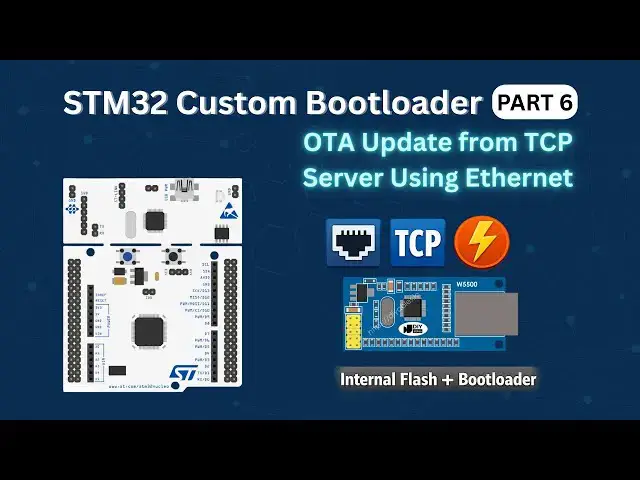

STM32 Custom Bootloader (Part 6): Flash OTA Update from TCP Server Using Ethernet
Jan 31, 2026

Build an *STM32 Ethernet OTA bootloader* that downloads a firmware update from a TCP server, stores the OTA image in internal Flash, and lets the bootloader safely install the new application.
In this tutorial, we continue the STM32 OTA bootloader series and implement a *TCP-based firmware update using the W5500 Ethernet module*. The STM32 works as a TCP client, connects to a server, requests the OTA firmware, receives it in chunks, and stores the complete OTA image in a dedicated Flash region.
The application then sets the OTA flag and resets the MCU. After reset, the bootloader reads the OTA image from Flash, validates the firmware, programs it into the application region, and jumps to the updated application. We also configure the Flash layout, implement the TCP client and OTA stream, create a Python TCP server, and test the complete Ethernet OTA update process.
#STM32 #STM32Bootloader #EmbeddedSystems #Bootloader
📁 *Download Project Files & Full Article:* https://controllerstech.com/stm32-ethernet-ota-tcp-server-bootloader/
📁 *STM32 Tutorials:* https://controllerstech.com/stm32-tutorials/
📁 *ControllersTech Home:* https://controllerstech.com/
### ▶︎ Related Videos
1️⃣ *OTA Firmware Update from Bootloader:* https://youtu.be/t7Lcx4RigB0
2️⃣ *Wireless OTA Update using ESP8266:* https://youtu.be/GCs7k_9VBJM
Show More Show Less #Science